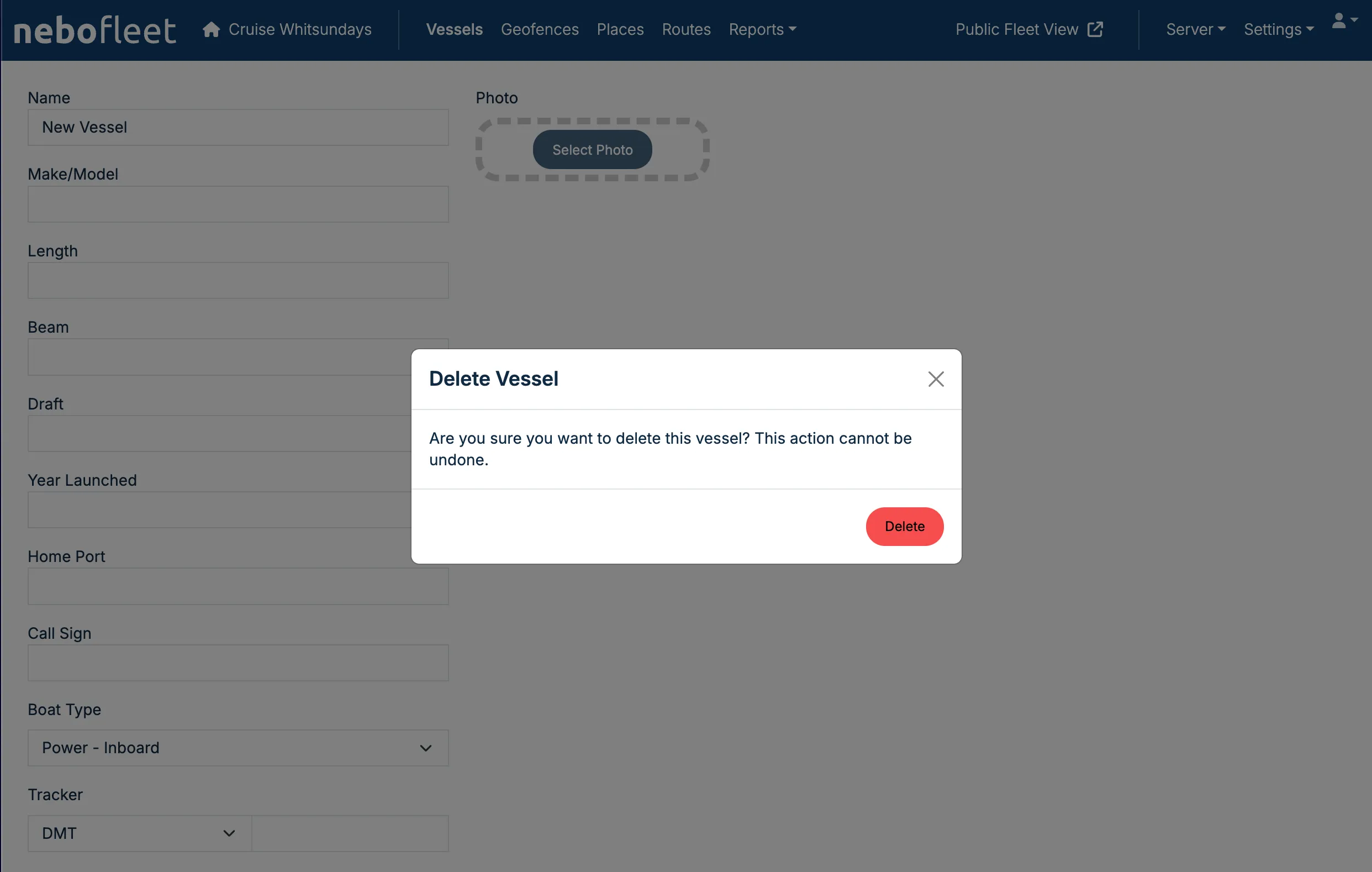
1. Navigate to the Vessel Edit Screen
To remove a vessel, first click on the edit icon for that vessel on the Vessels tab to open the Vessel Edit screen.
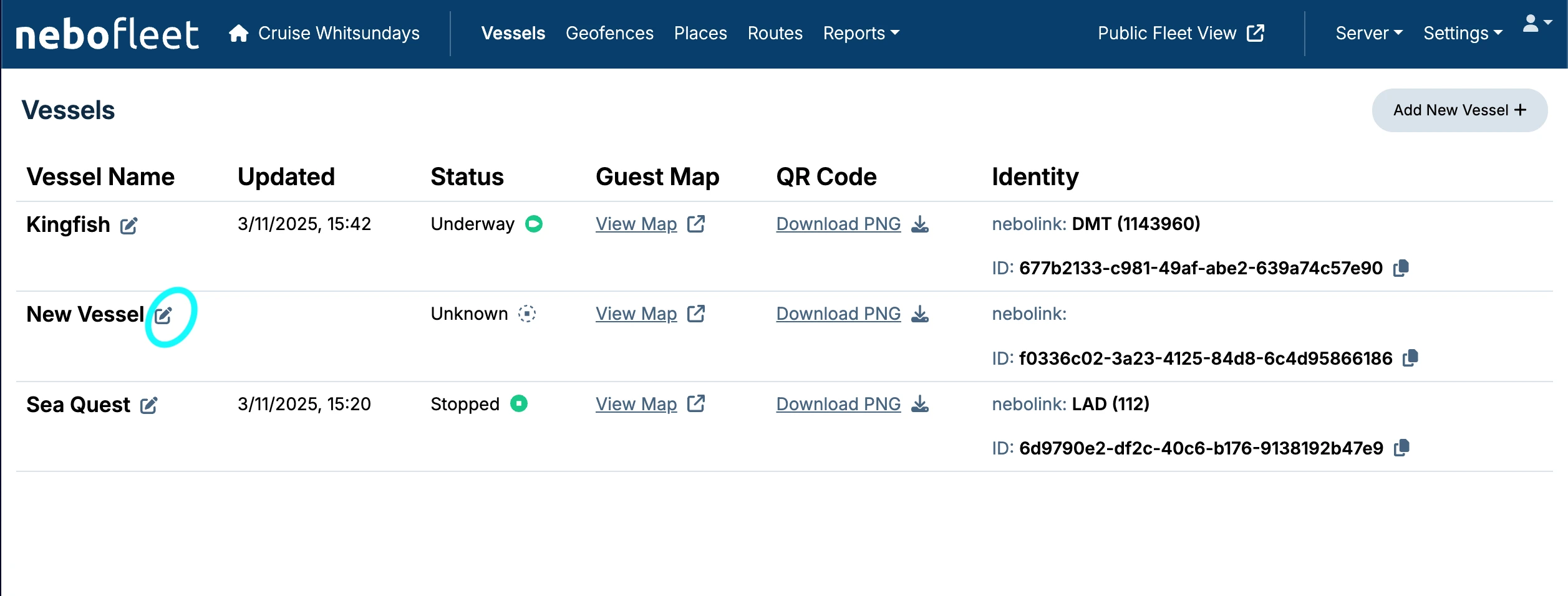
2. Delete the Vessel
You can delete a vessel from the Vessel Edit screen by clicking the Delete button.
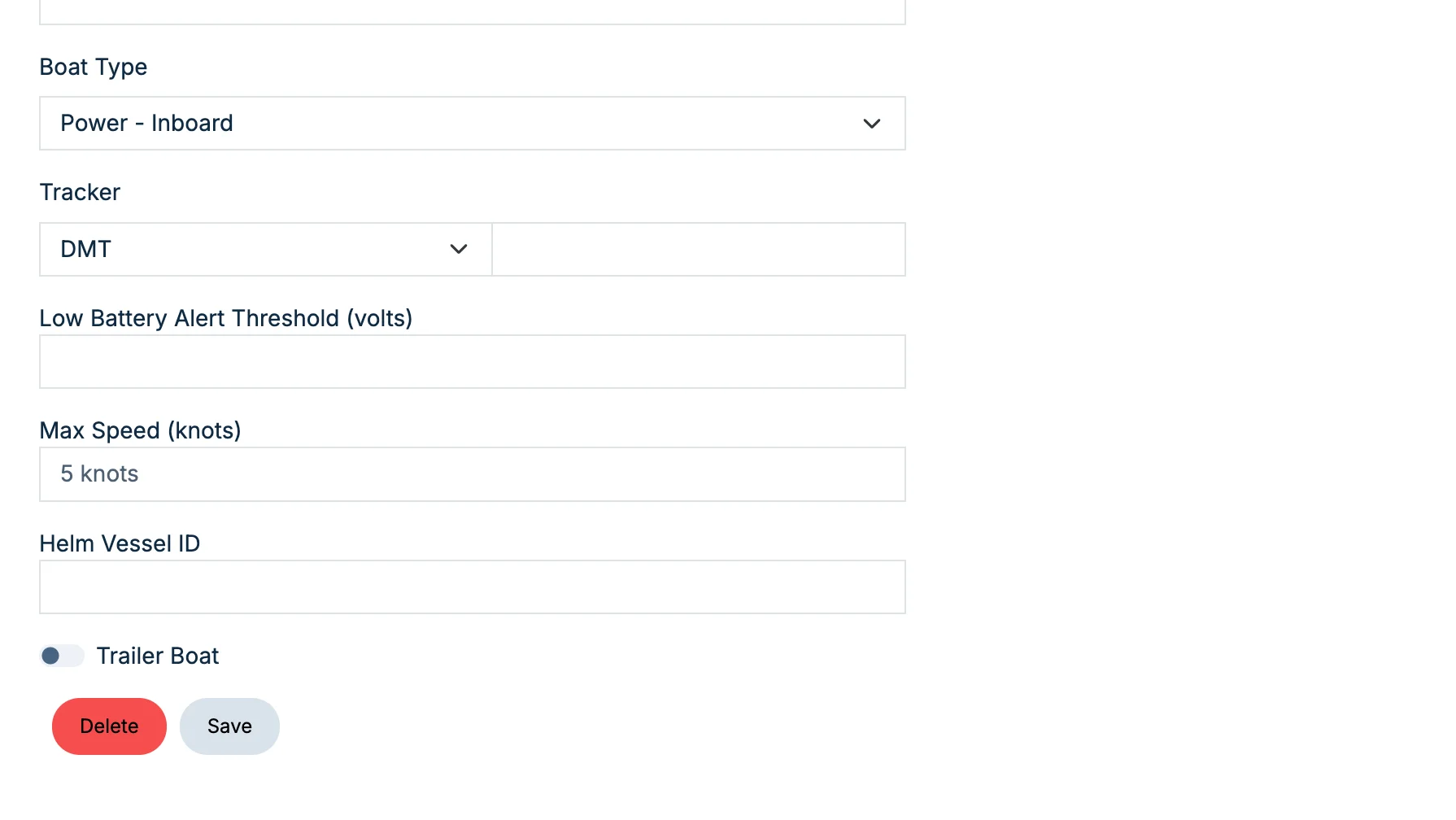
3. Confirm Deletion
After you have clicked the Delete button, you will be prompted to confirm.
Warning: Deleting a vessel will delete all of the data associated with that vessel. Deleting a vessel is normally not necessary, as the stored data from that vessel may be required later.