How NeboFleet works
A tracker on every boat, a live map for your dock team, and a guide on the water for your members.
Book a DemoStep 1 · Fit
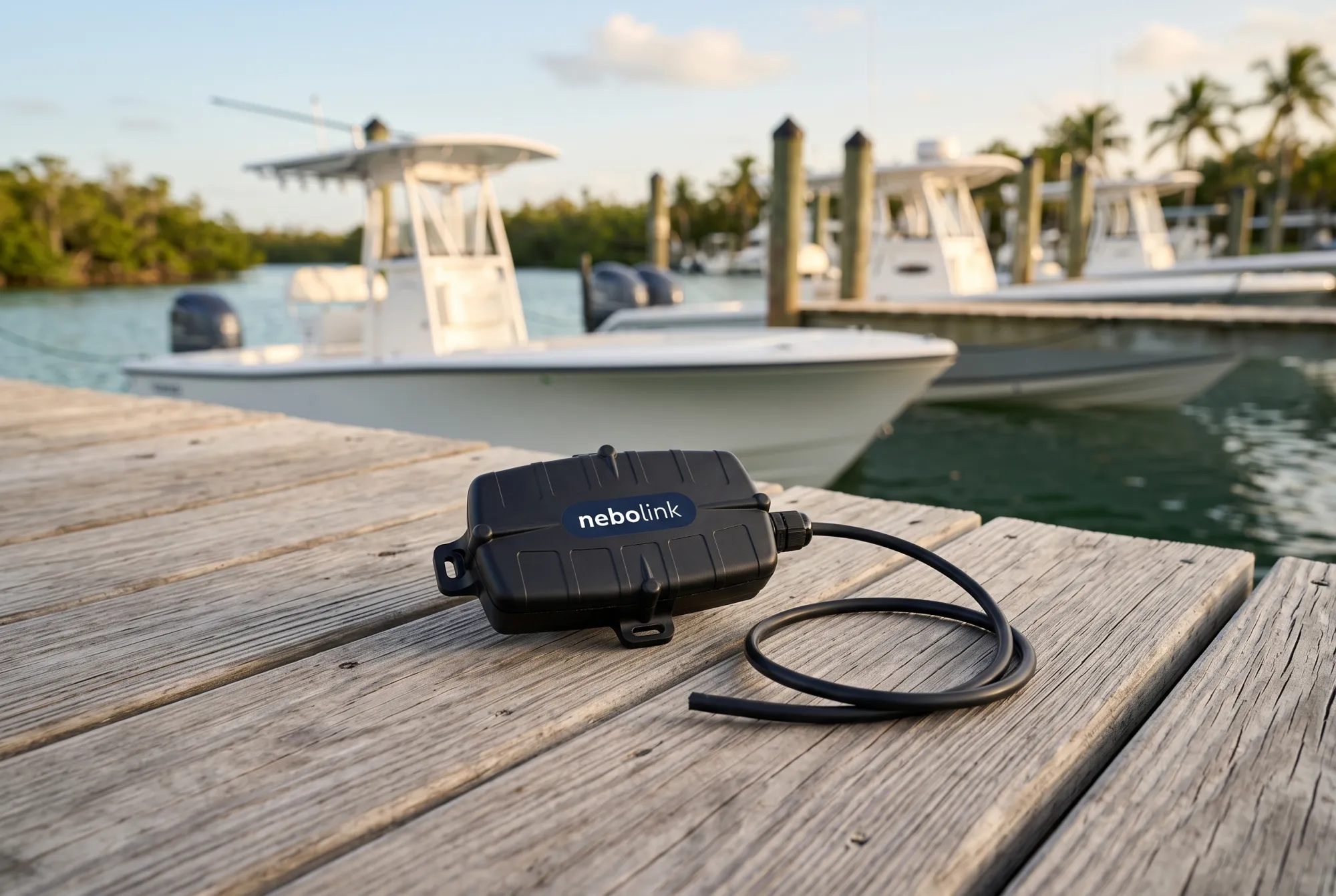
Fit a nebolink to every boat.
A small, sealed tracker wired to the boat's constant power. Once it's in, it reports on its own. Members and dock staff don't touch it.
- Position about every 30 seconds while underway
- Reports over cellular, with a separate Starlink model for offshore boats
- Wired to the boat's power, so it works with any engine
Step 2 · Watch
See every boat, live.
Open the map and your whole fleet is there: who's out and how fast, who's back at the dock, who's at anchor. Click a boat to follow it and see its track.
- Status for every boat: underway, at the dock, at anchor, offline
- Sort by status, name or alerts
- No refreshing. Boats move as they report
Demo fleetStep 3 · Zone
Draw the zones that cost you money.
Mark the sandbars and shoals members should keep away from, the no-wake zones and your own marina. Circles, shapes or a line across a channel.
- Restricted zones and speed zones with a limit
- Every entry, exit and crossing is logged
Demo fleetStep 4 · Alert
The right person hears about it, right away.
A boat speeding through a no-wake zone or heading into the shallows sends an alert by text or email. Speed alerts to the dock manager, low battery to maintenance.
- Restricted zone, over speed and low battery alerts
- Movement after hours
- Notification groups for each role
Demo fleetStep 5 · Guide
Members see the water the way your team does.
They scan the QR code at the helm and a live map opens on their phone. No app, no account. It shows where they are, the zones to avoid, your favorite sandbars and the routes you recommend.
- Places pop up as the boat gets close
- Great for new members and guests
- Your logo on every map
Step 6 · Log
Every voyage writes itself.
Departures, returns, zone crossings and over-speed events, logged for every boat. When a prop comes back bent, you can see where the boat went and how fast, point by point.
- Drag across the day to focus on one stretch
- Track points with time, speed and heading
- Save as PDF, CSV or GPX
Demo fleetStep 7 · Replay
Send members their day as a video.
After the trip, send the member a Nebo Replay link. They add up to five of their own photos and it makes a short video of their route, distance and time on the water, with your logo on it. They share it, and their friends see your brand. Beta
Step 8 · Report
Know which boats earn their slip.
Monthly and date-range reports show trips, days used, hours underway and distance for every boat. Spot the boat nobody books, and where you could use another one.
Demo fleet
nebolink, ready to fit
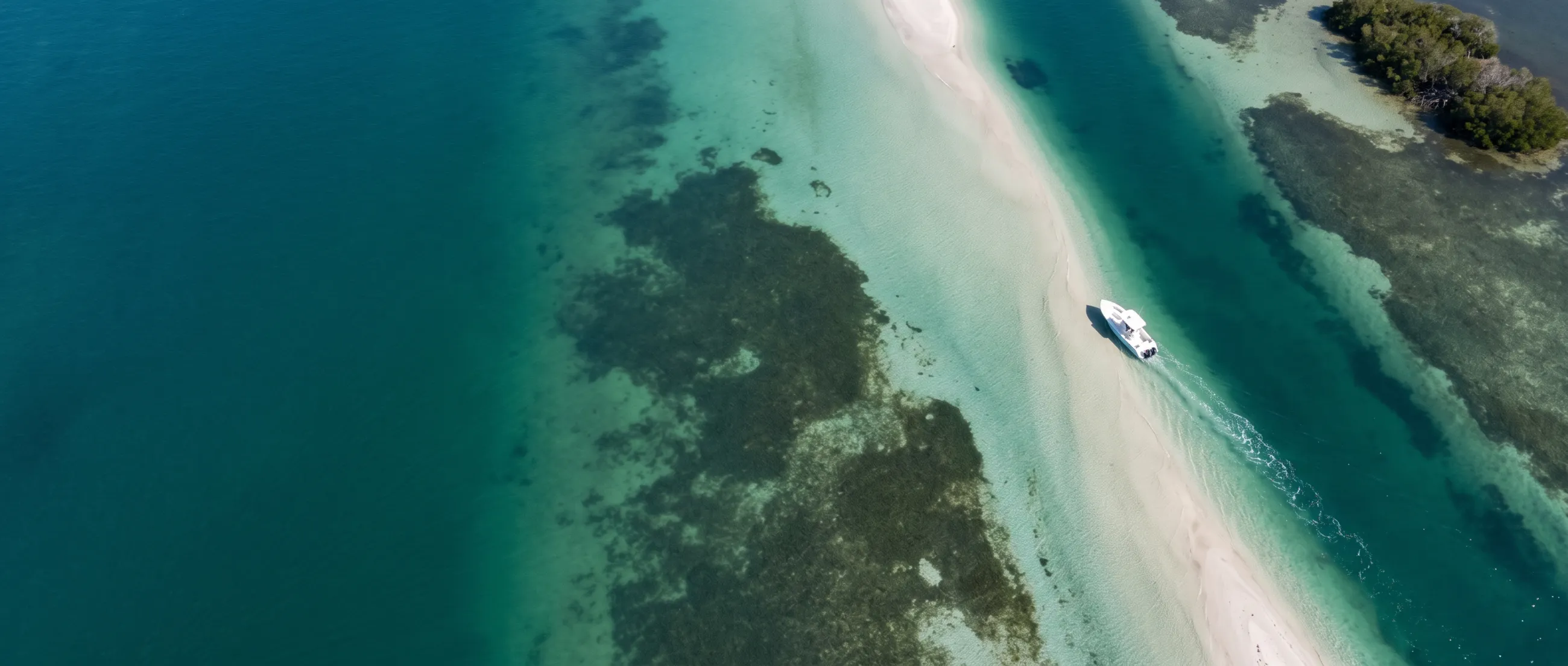
Invisible from the helm. Obvious in Nebo Discovery.
Draw your danger zones once, and every member sees them on their phone, on every trip.
All you need.
One nebolink per boat. Everything else runs in a browser, for your team and your members.
A nebolink on each boat
Fitted once, then it just works. Wired units for powered boats, battery units where there's no power. The SIM and cellular data are included in the price, so there's no phone plan to set up.
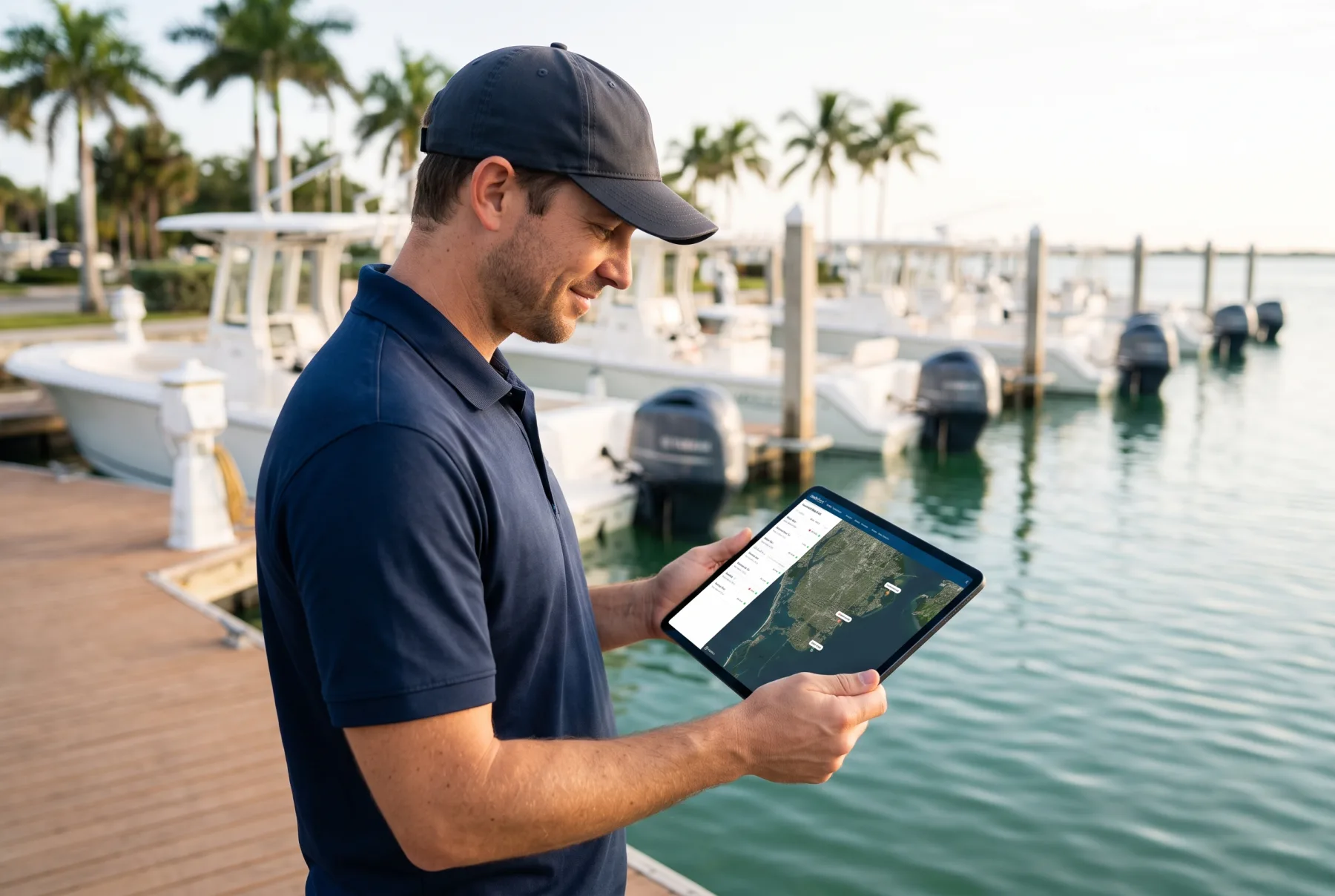
The dashboard for your team
Fleet map, zones, alerts, logs and reports. Nothing to install, any computer.
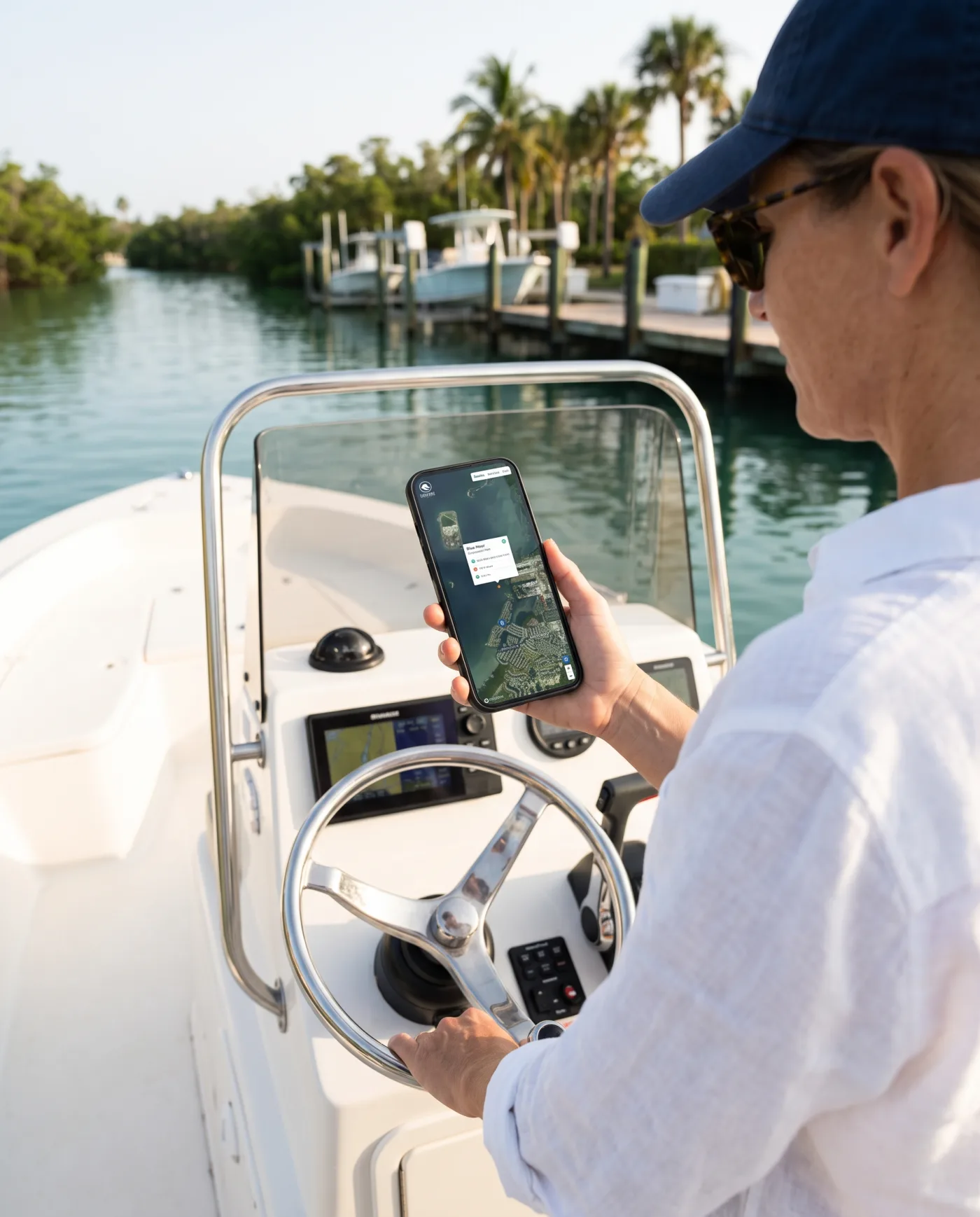
Discovery and Replay for members
A QR code at the helm, and a link after the trip to make their own video. No app for them to download.
Low battery alerts
Know before a boat won't start. Set a voltage threshold for each boat.
High water alerts Beta
Connects to the boat's existing bilge float switch, so you hear about water in the boat before it's a problem.
After-hours movement
Fixed hours or sunset to sunrise. If a boat moves when the club is closed, you know.
Public Fleet View
A live map of the fleet for a screen on the dock or at reception.
Exports
Logs as PDF, track points as CSV, tracks as GPX, reports as CSV.
Connect your systems
Positions and zone events into your booking or maintenance tools through our API. We set it up with you.
“NeboFleet helps us maintain Best Practice on the water.”
Questions clubs ask
Does it work with our engines and electronics?
Yes. The nebolink is wired to the boat's constant power, not to the engine, so it works with any outboard or inboard and sits alongside the chartplotter and engine gauges you already have.
Do members need to download an app?
No. They scan the QR code on the boat and Nebo Discovery opens in their phone's browser. No account, no login.
Does a staff member have to watch the map all day?
No. Alerts go by text or email to the people you choose, so dock staff hear about the boats that need attention and can ignore the rest.
What happens out of cell coverage?
The nebolink keeps recording its position and saves it on the device. When the boat is back in coverage it sends everything it saved, so the track has no gaps. For boats that spend a lot of time offshore, a Starlink nebolink is also an option.
Can it connect to our booking software?
Logs and reports export as CSV, PDF and GPX. For a live link to your booking or maintenance system, we set up the NeboFleet API with you.
See your own waters on the map.
Book a 20-minute demo and we'll show you NeboFleet with your marina, your zones and your boats.