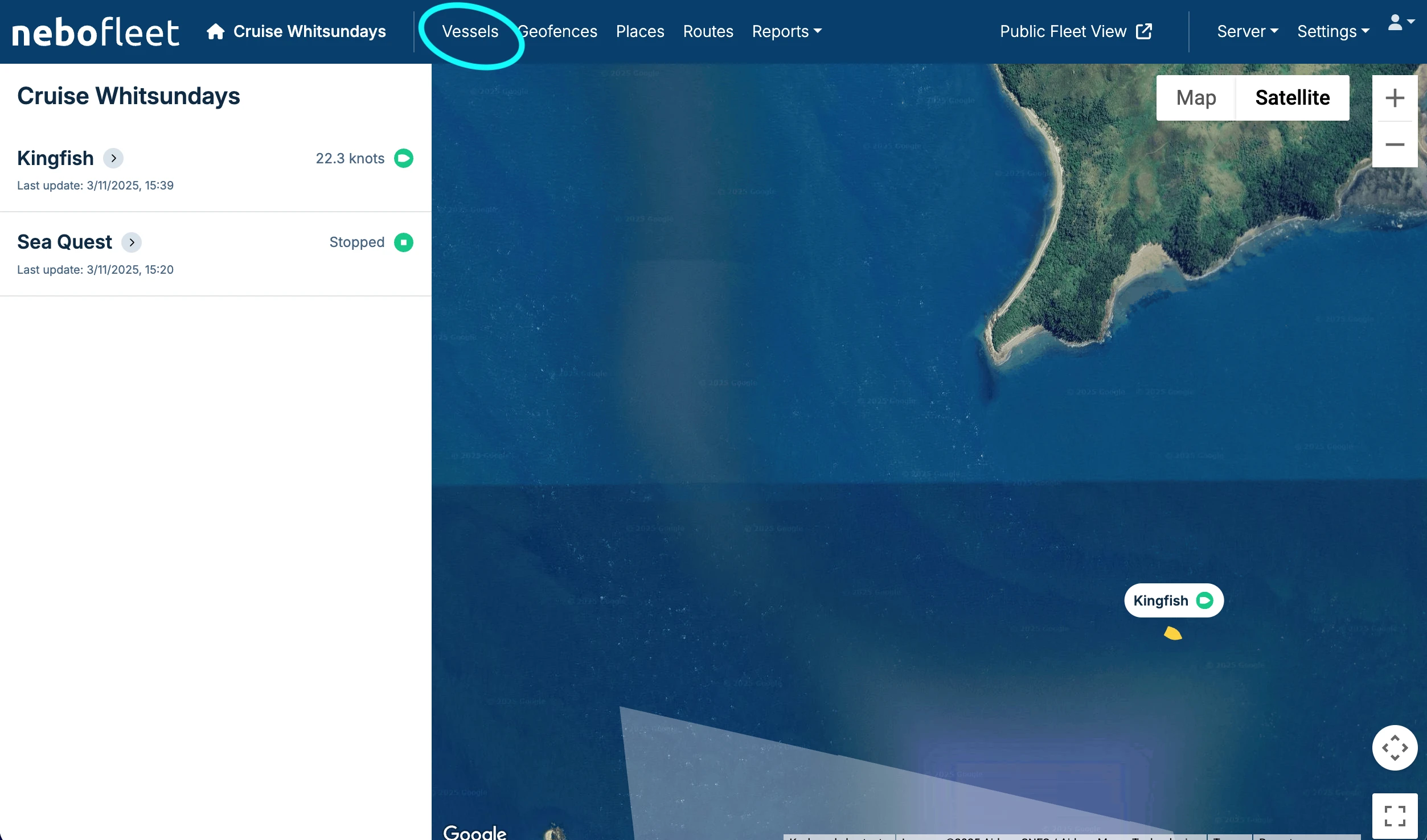
1. Navigate to the Vessels Tab
To add a new vessel to your fleet, click on the Vessels tab in the main navigation.
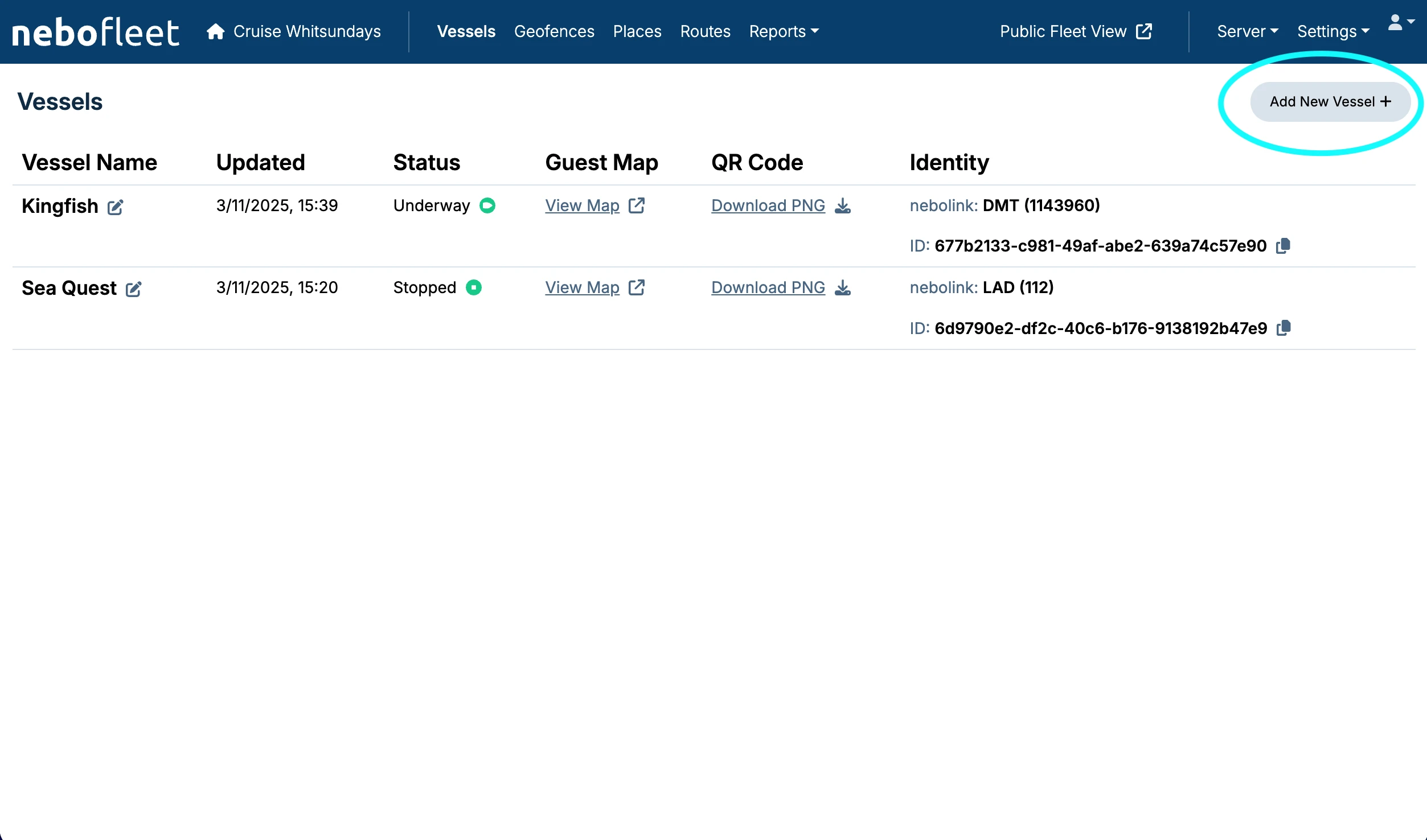
2. Add New Vessel
Click the Add New Vessel button.
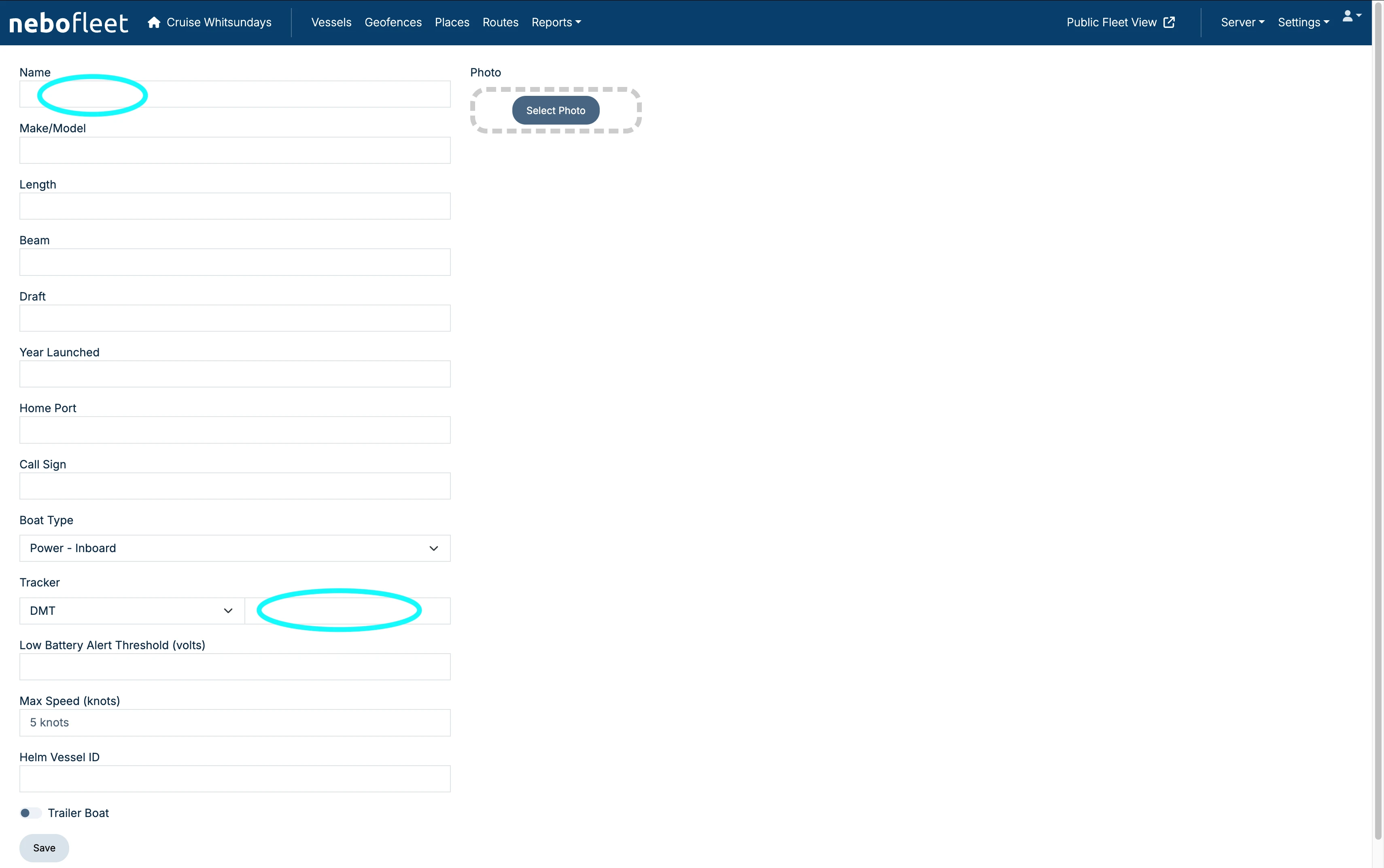
3. Complete Vessel Details
Complete any fields that are necessary for your vessel. You can also upload a vessel photo here.
- Only the vessel name is required to create a vessel.
- However, in almost every case, you should also include the Tracker serial number.
- When adding Length, Beam, or Draft, you must include a space and then the unit type (e.g.,
15 mor22 ft). - Leave the Tracker type as DMT unless you have been advised otherwise.
- It is fine to ignore any fields or options that you are not sure about.
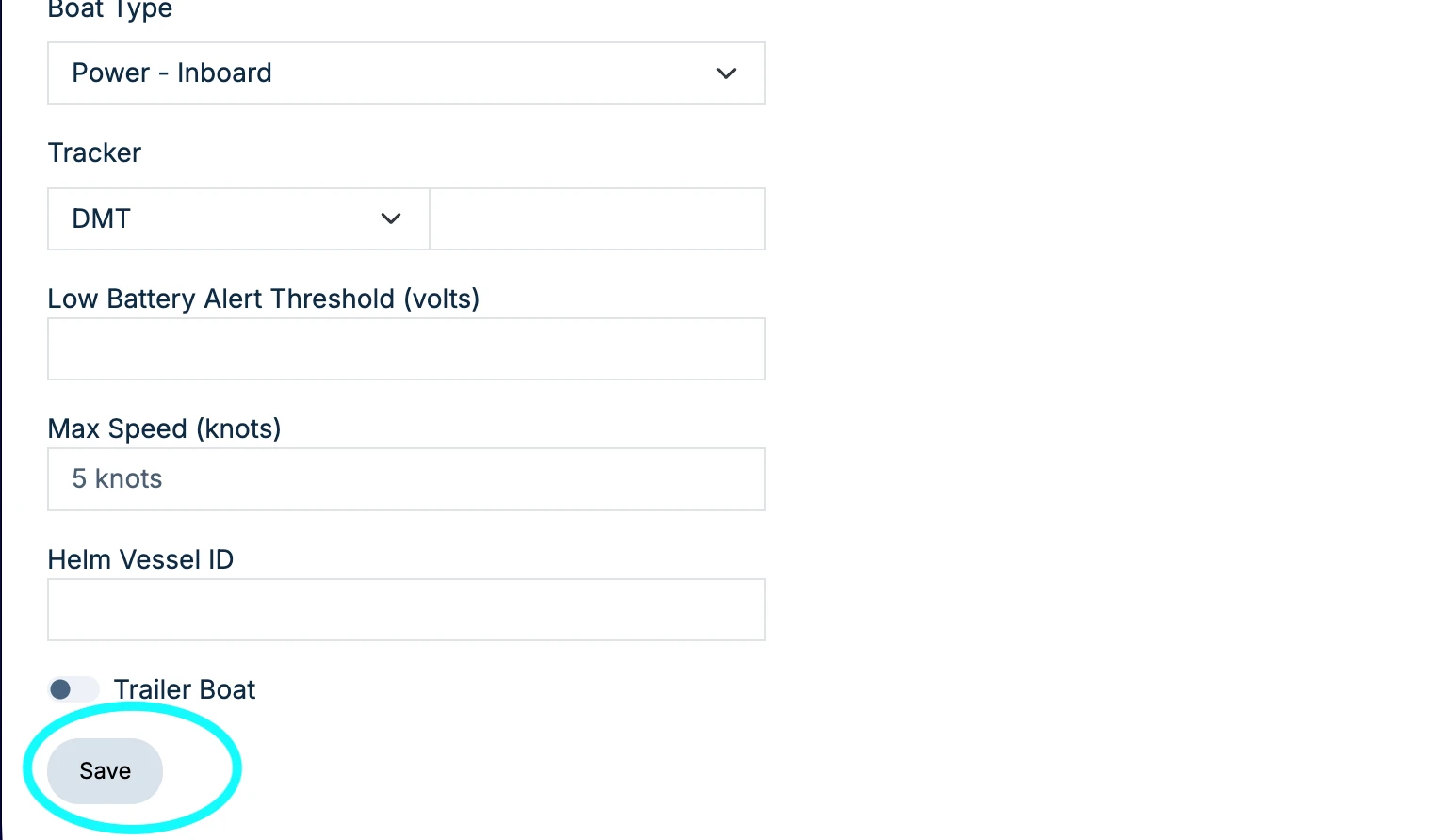
4. Save the Vessel
When the necessary fields have been filled, click Save.
5. Confirmation
Your new vessel will now appear in the Vessels list on the Vessels tab. This completes the process of adding a new vessel.