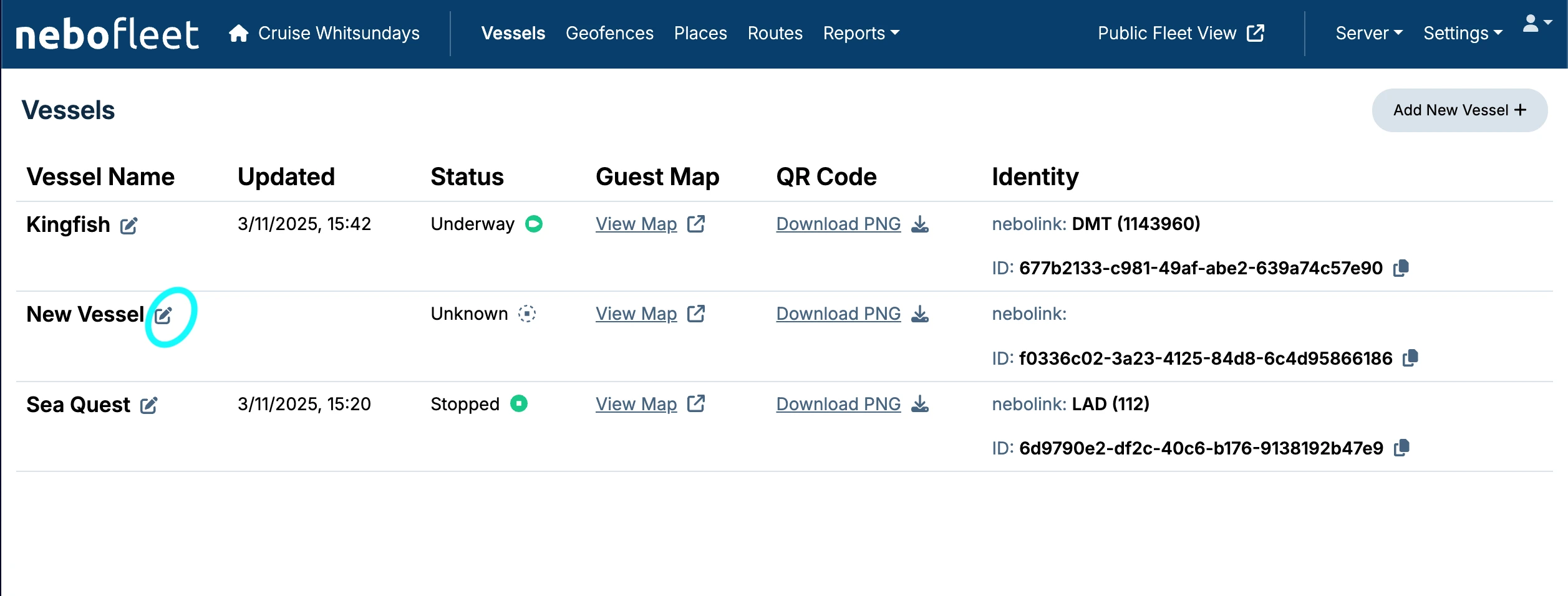
1. Navigate to the Vessel Edit Screen
If you need to make changes to a vessel, click on the edit icon (circled in blue) on the Vessels tab.
2. Make and Save Changes
This will take you to the Vessel Edit screen where you can update the vessel's details. Remember to save the vessel after completing any changes.