Main Map/Screen
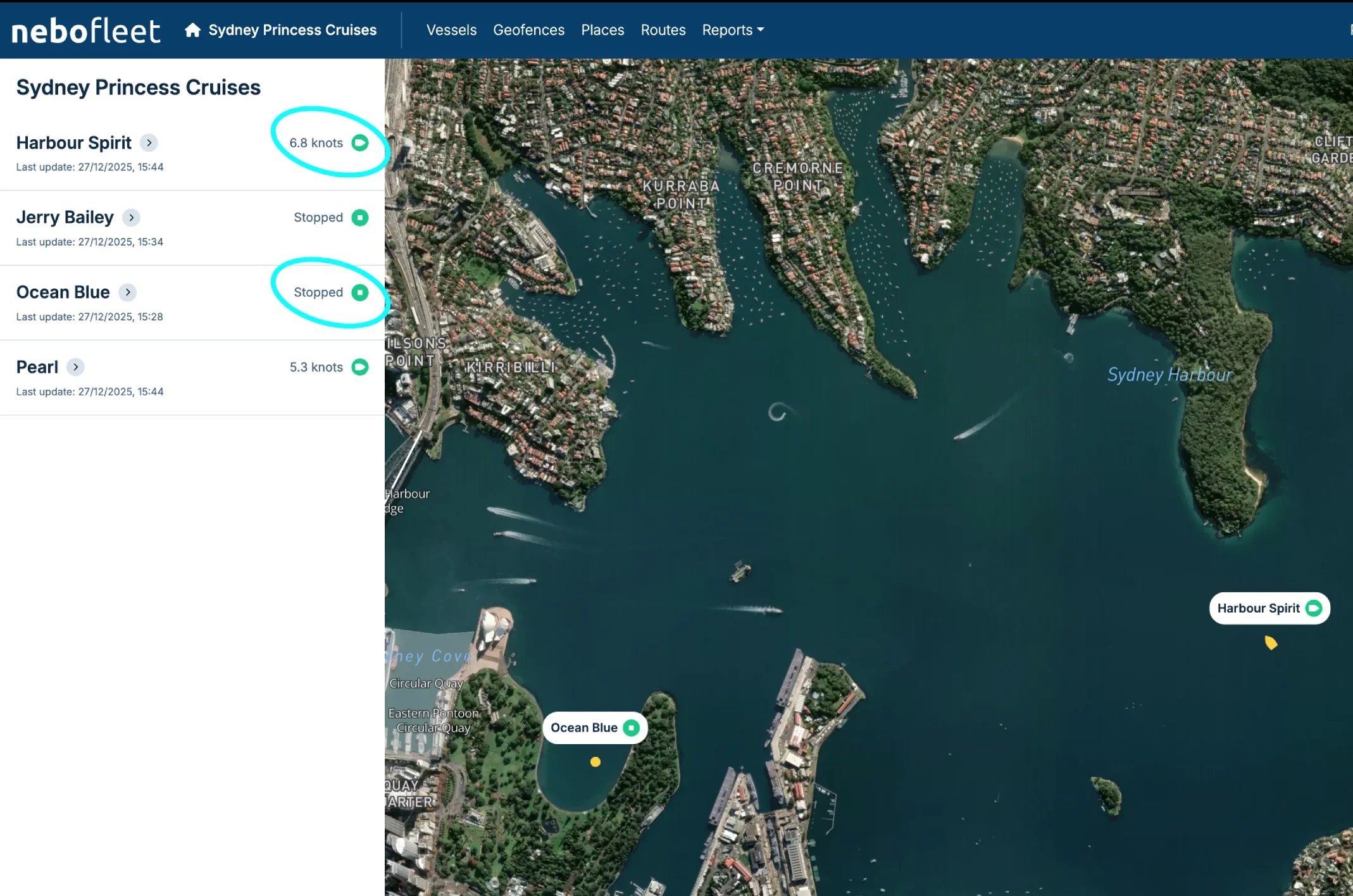
List of Vessels (Left of Screen)
- When a vessel is underway, the status will show the speed of the vessel.
- If the vessel is not underway, the status will be "Stopped".
- "Last update" gives the date and time that the onboard nebolink last sent speed and position to the nebo server.
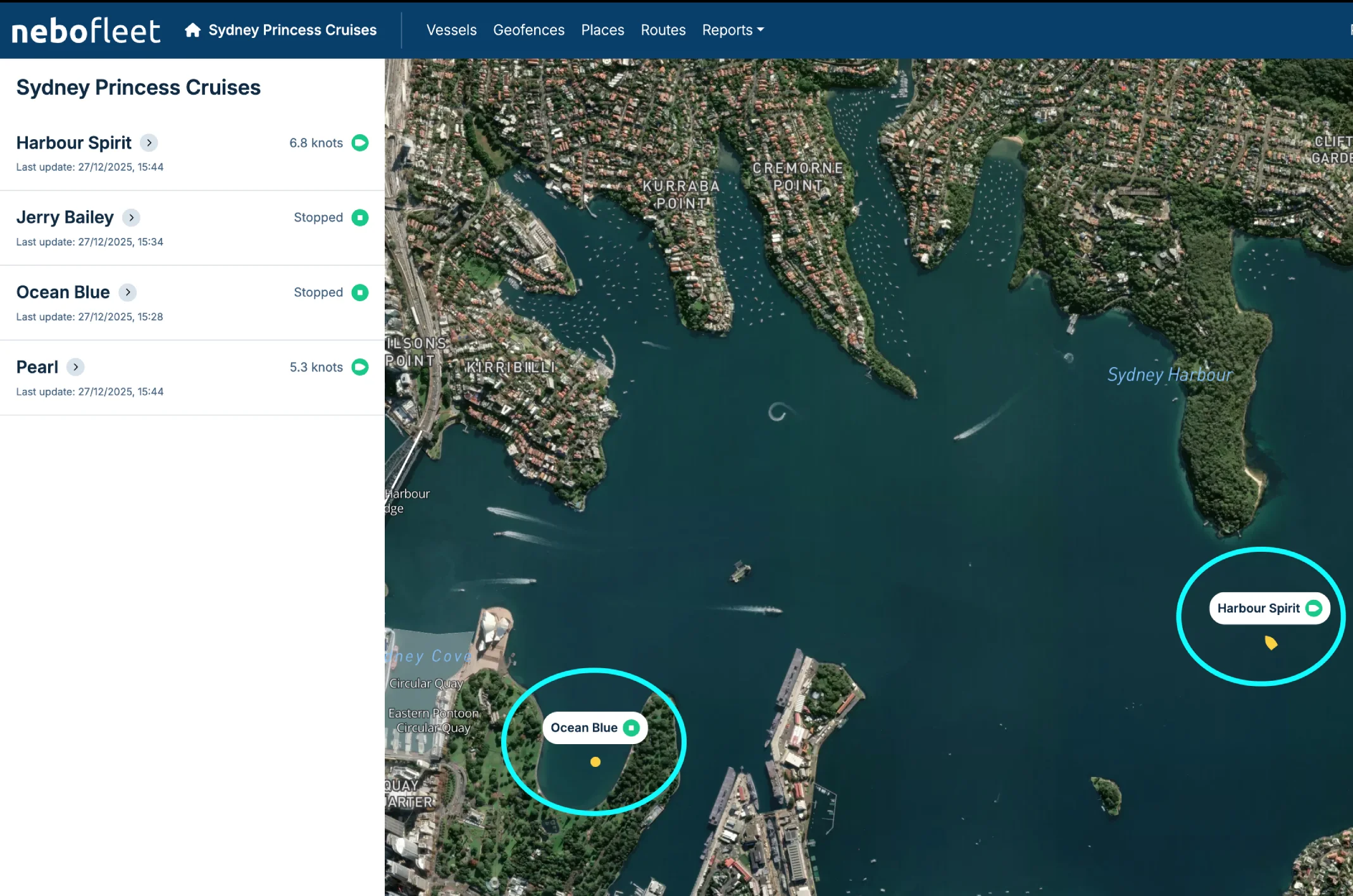
Boat Icons on Map - Stationary / Underway
In the example below, on the map, Harbour Spirit shows the "underway" boat style icon. Ocean Blue shows the "stationary/stopped" dot icon.
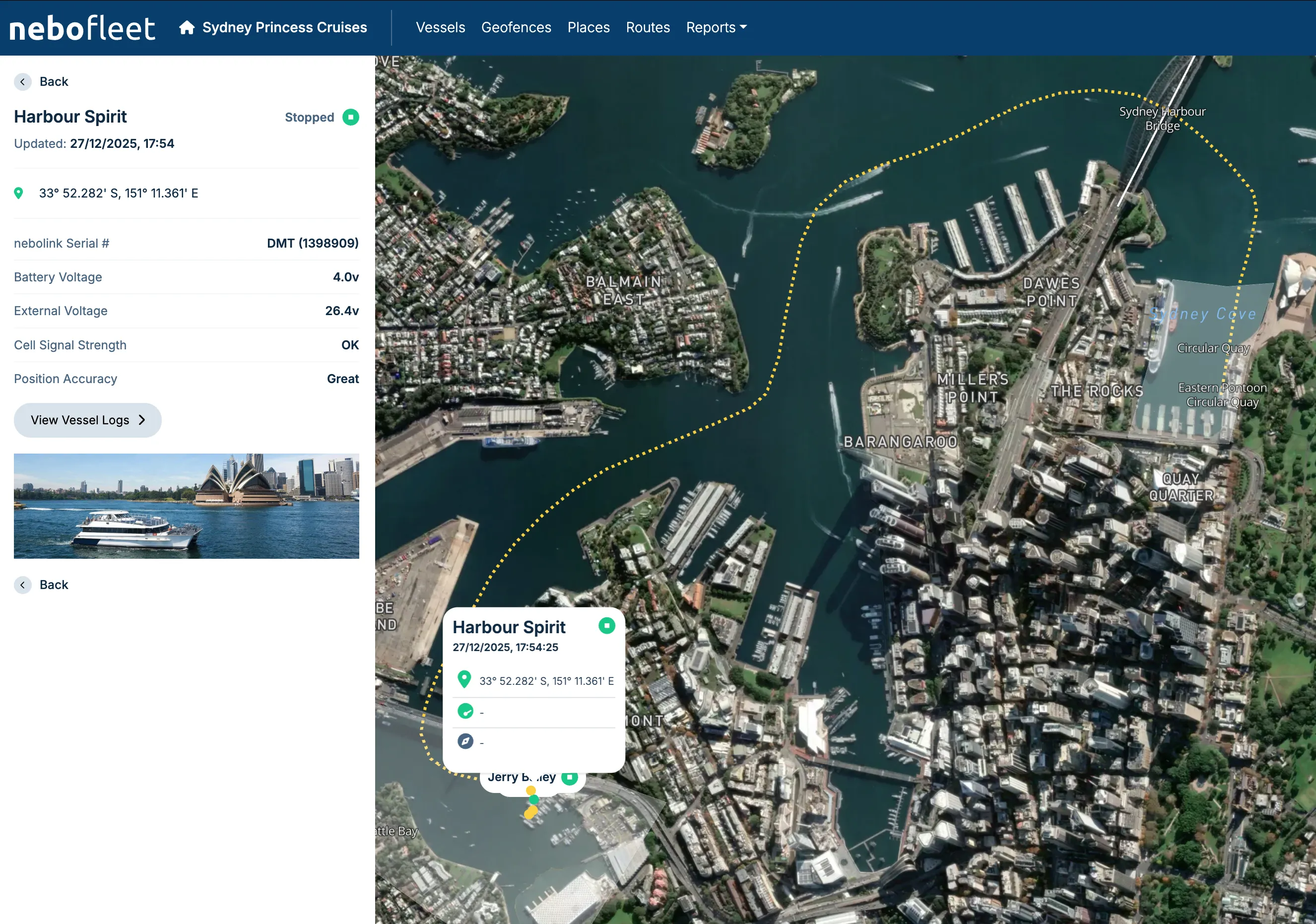
View Details and Tracks
Click a vessel in the list or on the map to see its details and the most recent track for today (if any).
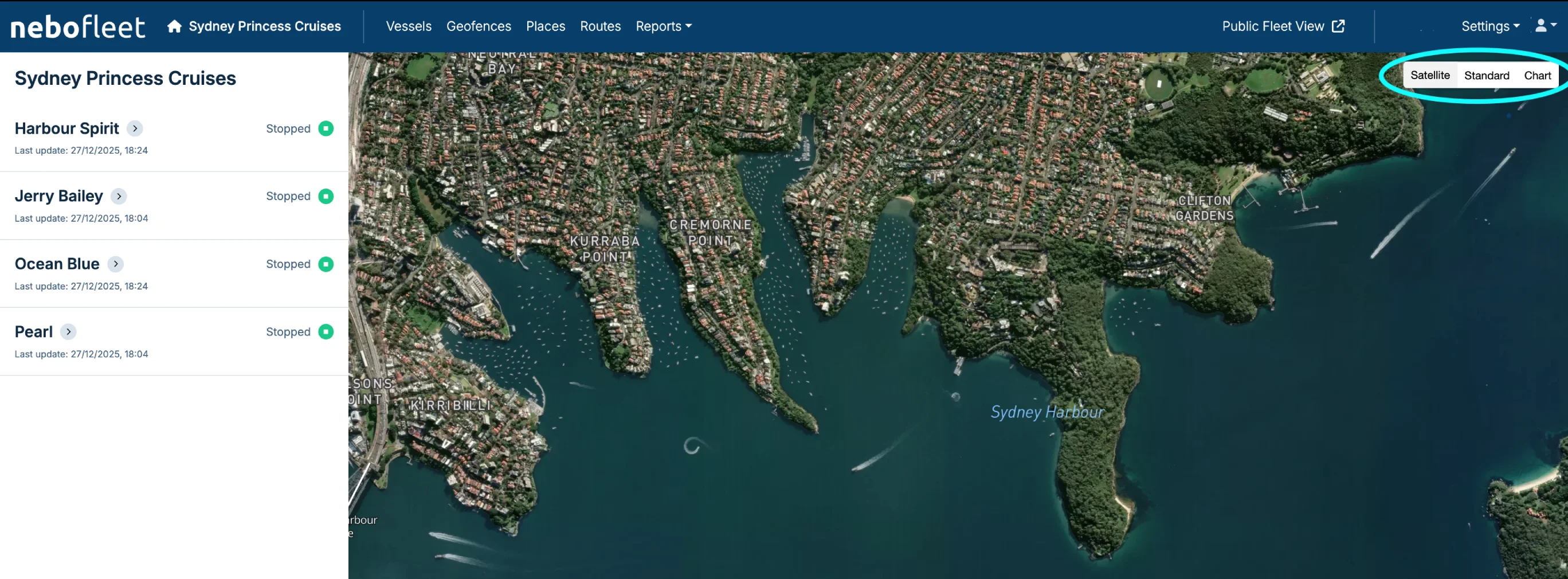
Change Map View
You can choose between Satellite, Map, or Chart view using the map layers control.